
Automated Internal Linking (That You Control)
Stop spending hours building internal links manually. Linkbot identifies the highest-value links and keeps them updated—only the links you approve.
No credit card required for the report • Results in minutes
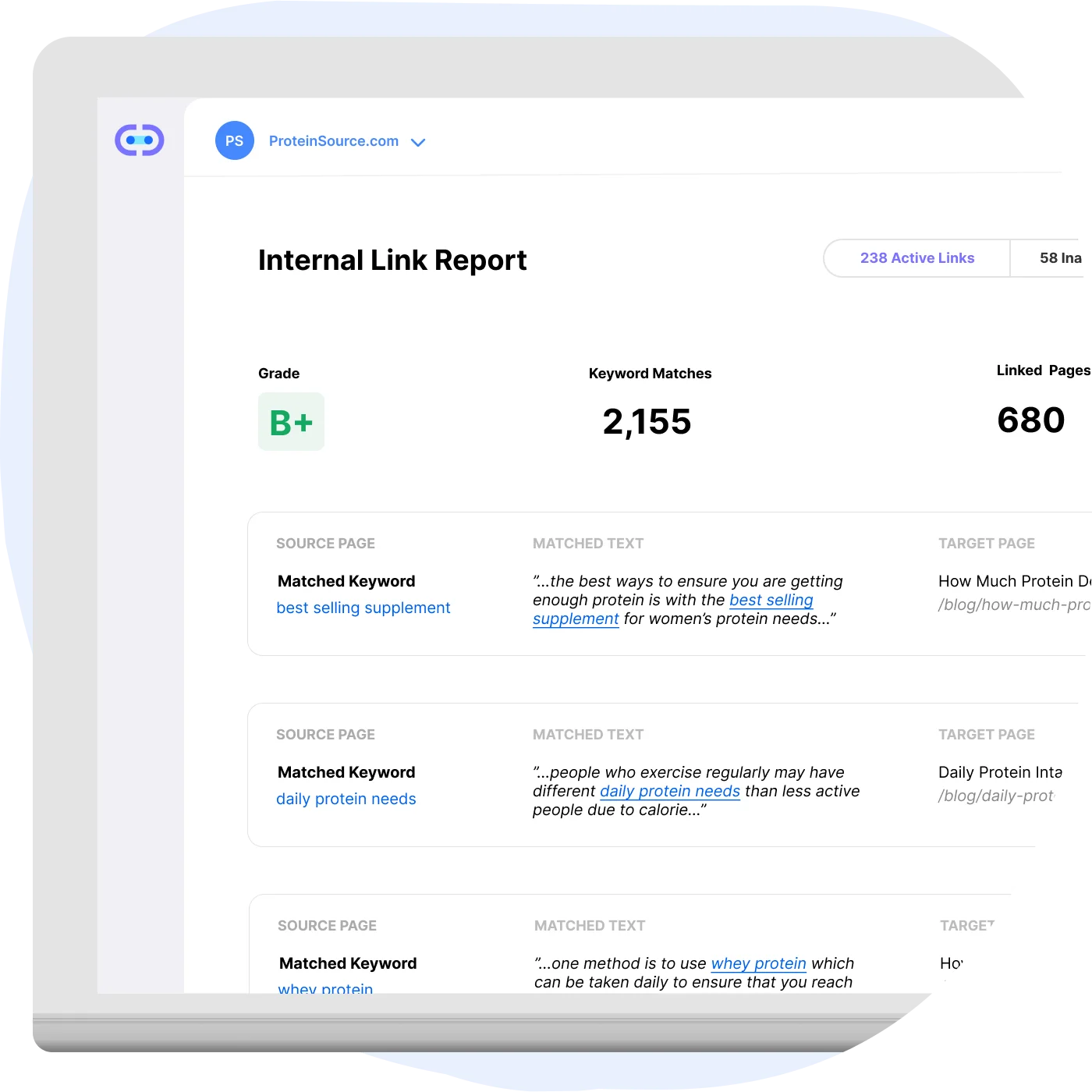
What Linkbot automates
Linkbot handles the repetitive work of finding, placing, and maintaining internal links—while you keep full control.
Contextual link opportunities
Linkbot finds link opportunities based on your content and keywords, matching context and intent.
Keyword-based placements
Get suggested link placements tied to the keywords that matter most for each page.
Conversion-focused snippets
Optionally generate Dynamic Funnel Links—natural-sounding snippets that link to your money pages.
Manual internal linking breaks down at scale
Manual internal linking doesn’t scale
As your content library grows, maintaining internal links by hand becomes a losing battle.
Teams forget to update older pages
New content launches without links to existing relevant pages, creating orphans and missed opportunities.
The best link opportunities get missed
Without automation, high-impact link placements between related content go unnoticed.
How it works
Connect your site
Add the Linkbot snippet and connect your domain to start scanning your content.
Set your rules
Choose which pages and keywords to include, exclude, or prioritize for linking.
Approve and go live
Review suggested links, approve what you like, and let Linkbot keep your internal links updated.
No credit card required for the report • Results in minutes
FAQ
No. Links are created via the snippet system and governed by your approvals and settings.
Most sites are up and running in under 10 minutes. Add the snippet, connect your domain, and start scanning.
Yes — no credit card required for your first report.
Automate your internal links today
Stop spending hours on manual linking. Start with a free report — no credit card required.
Get your free reportNo credit card required for the report • Results in minutes